

Four friends, one cab.
Aarav books a cab to the start of the trail. All four ride in it, so all four share it.
Cab to the trailAarav paid₹1,200Shared by everyone
Add the people, add what each one paid, and PennyLog works out the fewest payments that settle everyone. Then send the summary to the group chat.
This page keeps nothing. Close the tab and the group is gone. In the app, groups are saved on your phone.
The tool above splits every expense equally among everyone. That works for a dinner, but real days are messier. Scroll through one hike to see why the app has sub-groups.
Aarav books a cab to the start of the trail. All four ride in it, so all four share it.
Aarav and Diya keep climbing to the top. Kabir and Meera take it slow and stop at the halfway point.
Aarav and Diya order thalis at the summit café. Only the two of them eat.
Kabir and Meera stop for chai at a little stall halfway up.
Add up the day, ₹1,960, and divide by four: ₹490 each. Kabir and Meera each pay ₹130 towards a café meal they never ate. That is what an equal split, like the tool above, does.
Make a “Summit” sub-group for Aarav and Diya and a “Halfway” one for Kabir and Meera. The cab stays shared by all four.
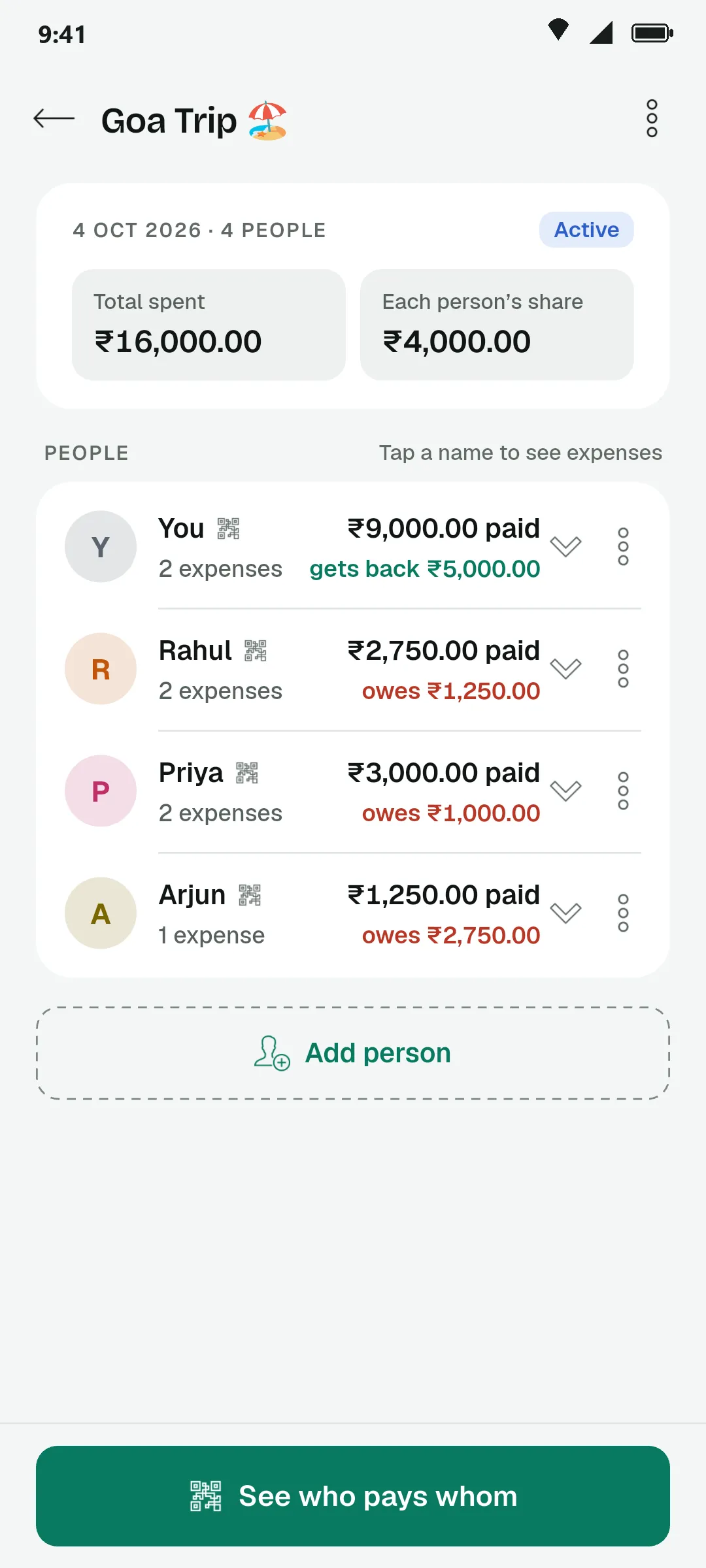
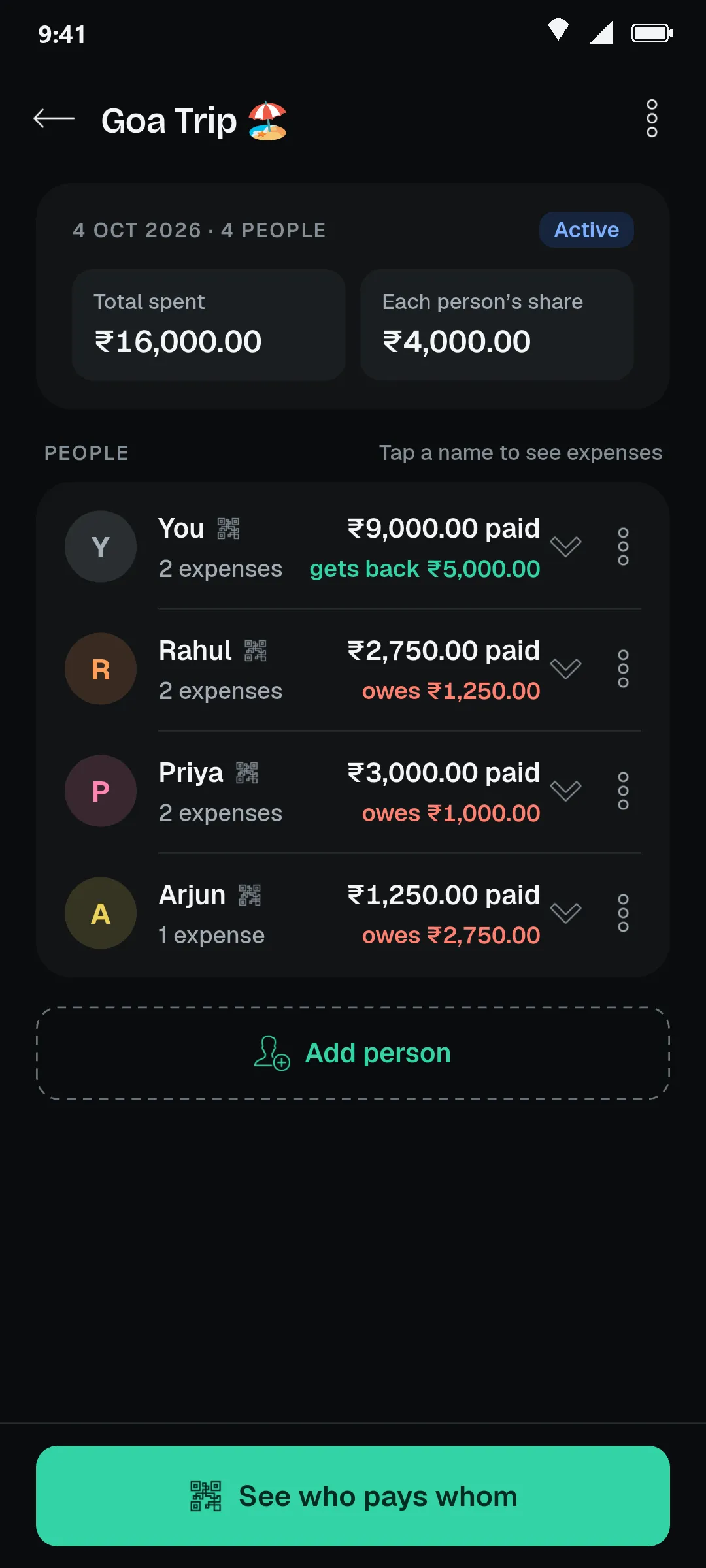
Groups that remember. Who paid, each share, and who gets back or owes.
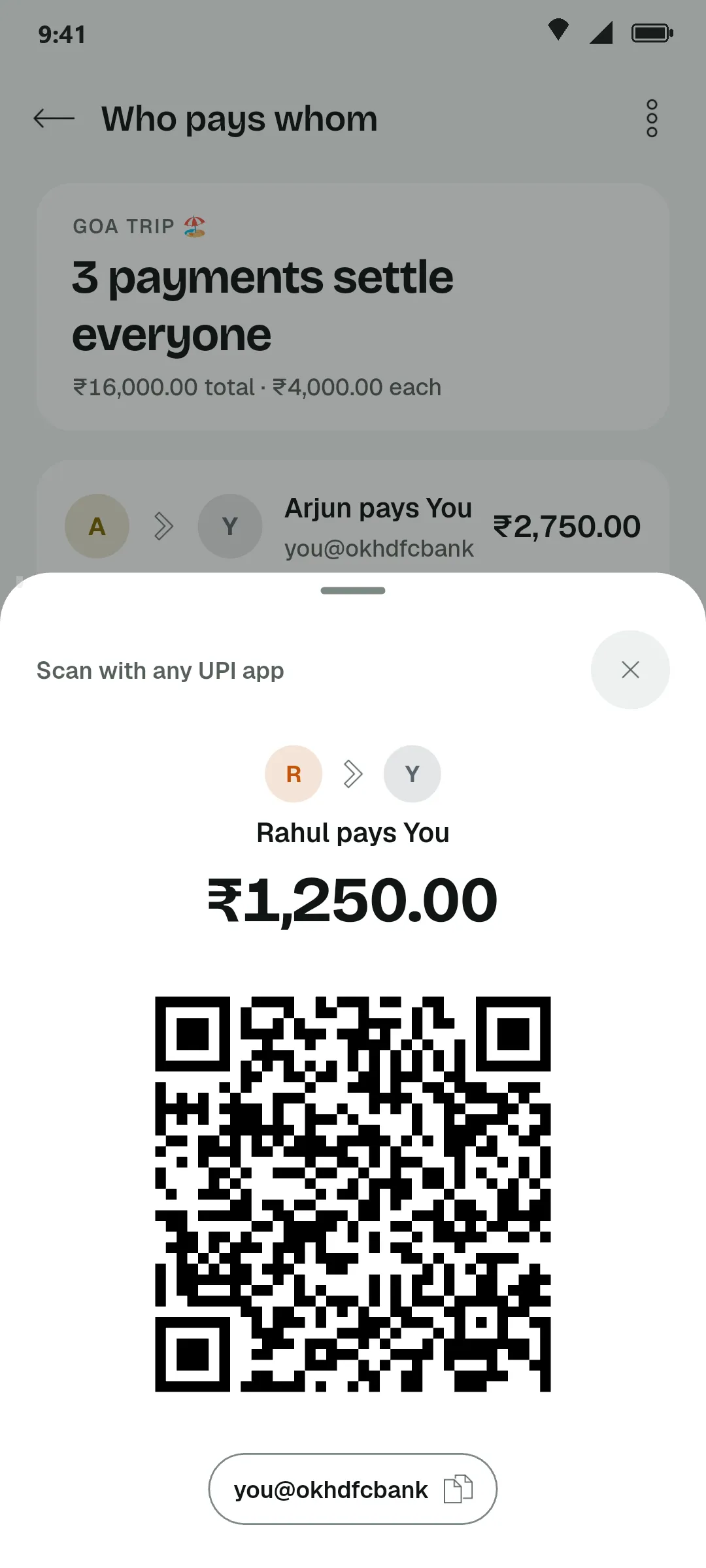
Pay with a scan. A UPI QR for each payment, amount filled in.
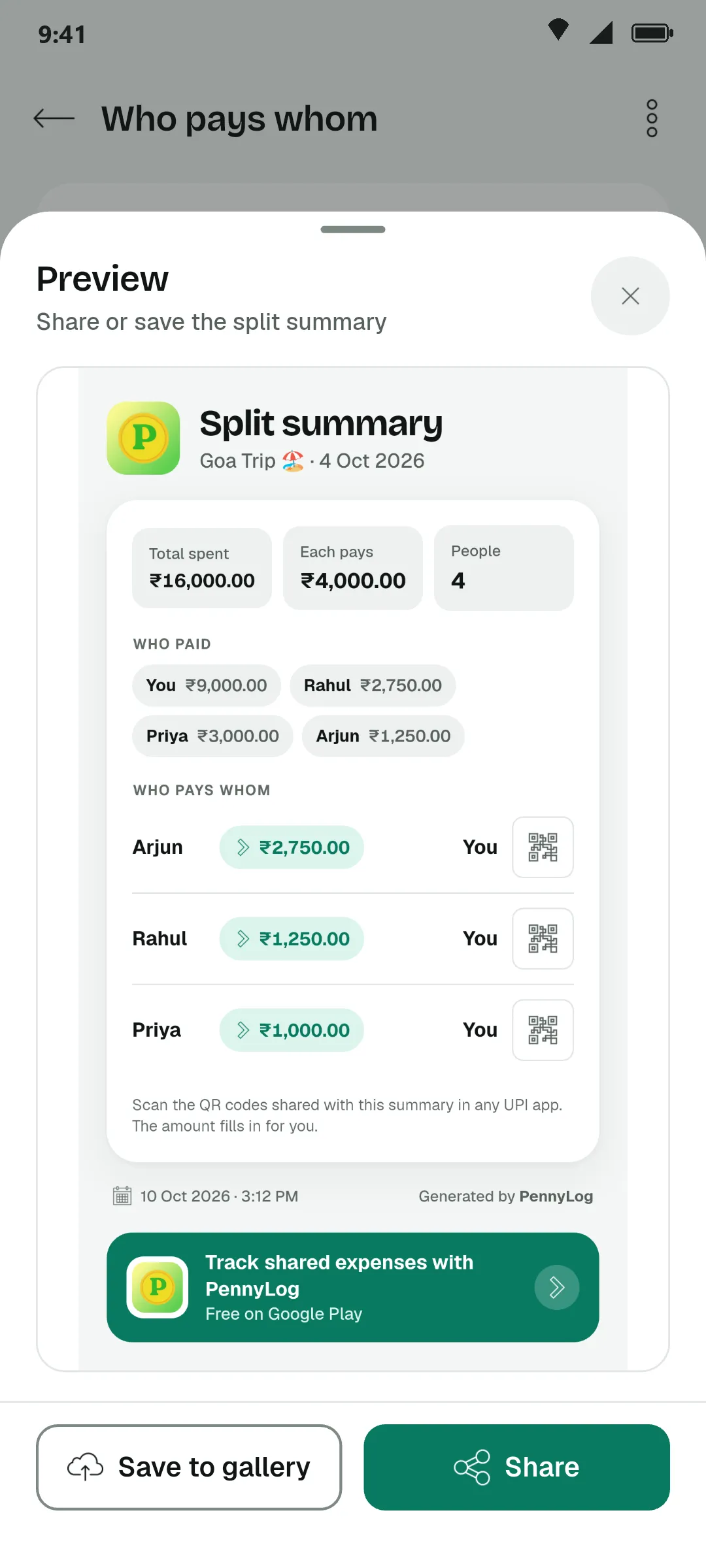
One image for the chat. Save or share the whole split as a picture.
Keep a trip open for days and add expenses as they happen.
Add a friend once and pick them again for the next group.
Split a cost among just the few people who shared it.
Mark a group settled when everyone has paid. Reopen it if something was missed.
A bill splitter only needs three things: who was there, what each person paid, and a fair way to settle up.
Type the names once, separated by commas. The group can be two flatmates or a whole trip.
Hotel, cab, dinner: enter the amount and pick the person who paid. Every expense is shared equally.
PennyLog nets out what each person paid against their share, then pairs the people who owe with the people who are owed, so the group settles in as few payments as possible.
Split hotel, fuel, tickets and food on a Goa trip or a weekend trek, then settle once you are home.
Share rent, electricity, Wi-Fi and groceries without keeping a running tab in your head.
One person pays the bill, everyone pays them back. Send the summary before the cab arrives.
Chip in for a birthday gift or a team lunch and see exactly who still owes how much.
Want to keep the group for later, split a cost among only some people, or pay back with a UPI QR? That is what the PennyLog app adds. More answers are in the FAQ.