

Know where the month went.
PennyLog is a fast, offline expense tracker. Log a spend in a few taps, set budgets that warn you early, and split bills with friends — all from your phone.
- Works offline
- No sign-up needed
- Free on Google Play
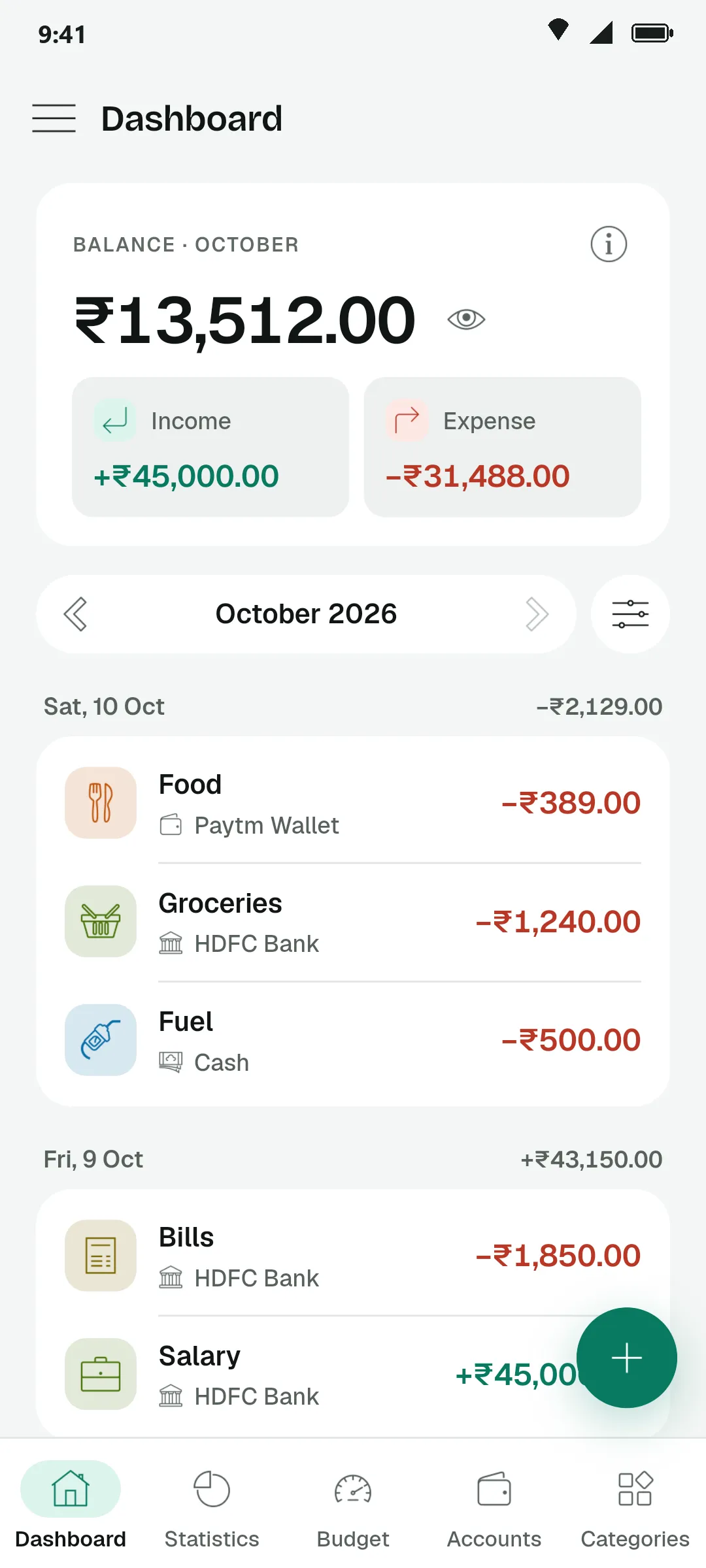
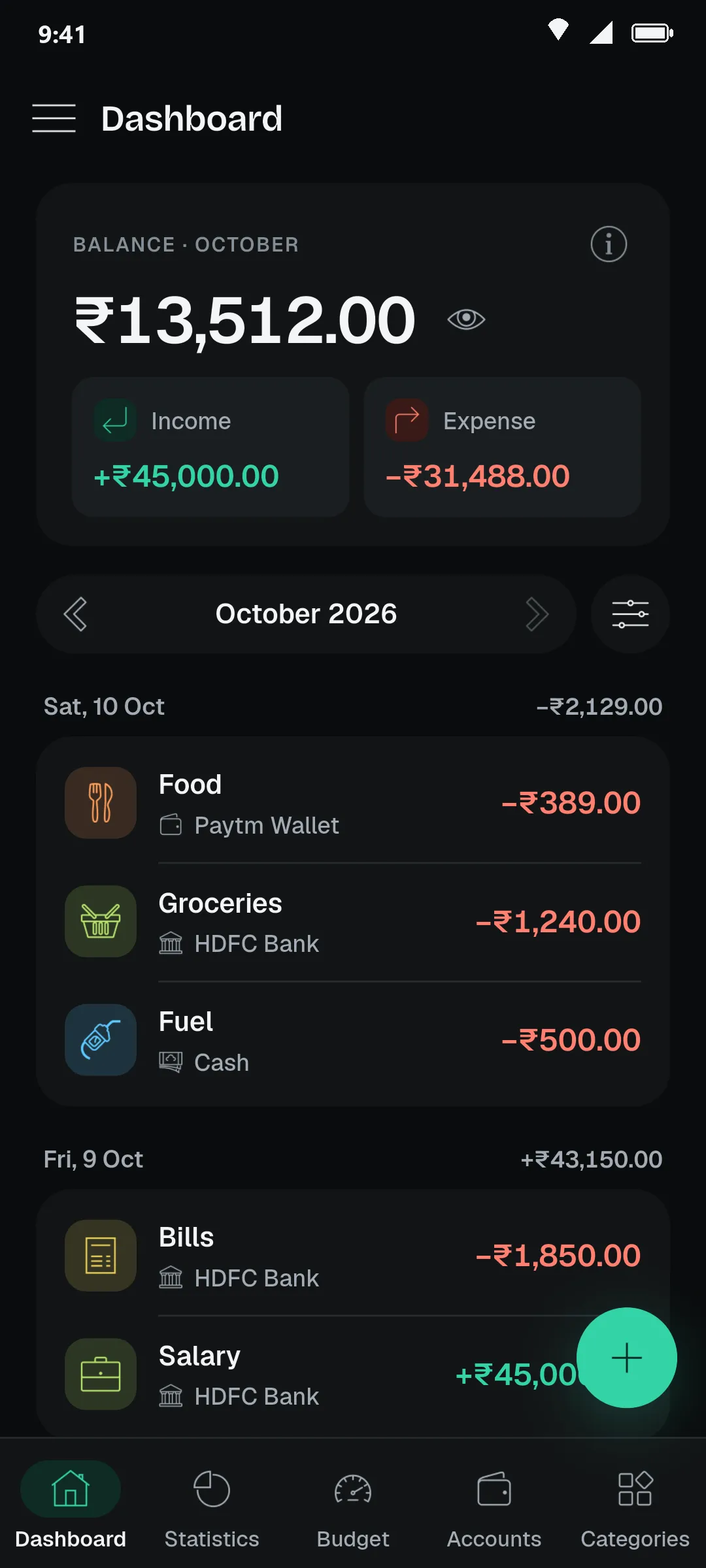
Three habits PennyLog makes easy.
Write it down before you forget it.
Expense, income or transfer. Type the amount, pick a category and the account it came from, and save. Rent, salary and other regulars can repeat on their own.
Counts towards this month’s spending and the Food budget.
Tap Expense, Income or Transfer to see each one.
Spot the expensive days at a glance.
Statistics break your spending down by category, by day and by account. Look at one month, or zoom out to three months, six months or the whole year.
Budgets that speak up early.
Give each category a monthly limit. PennyLog tells you in words when one is almost used, fully used or over. Save the set-up as a template and apply it next month in one tap.
Split the bill without doing the maths.
Add who paid for what. PennyLog works out the fewest payments that settle everyone, then makes a clean summary you can send to the group chat.
Try it in your browserNothing to install. In the app, groups are saved and each payment comes with a UPI QR.
The real app, screen by screen.
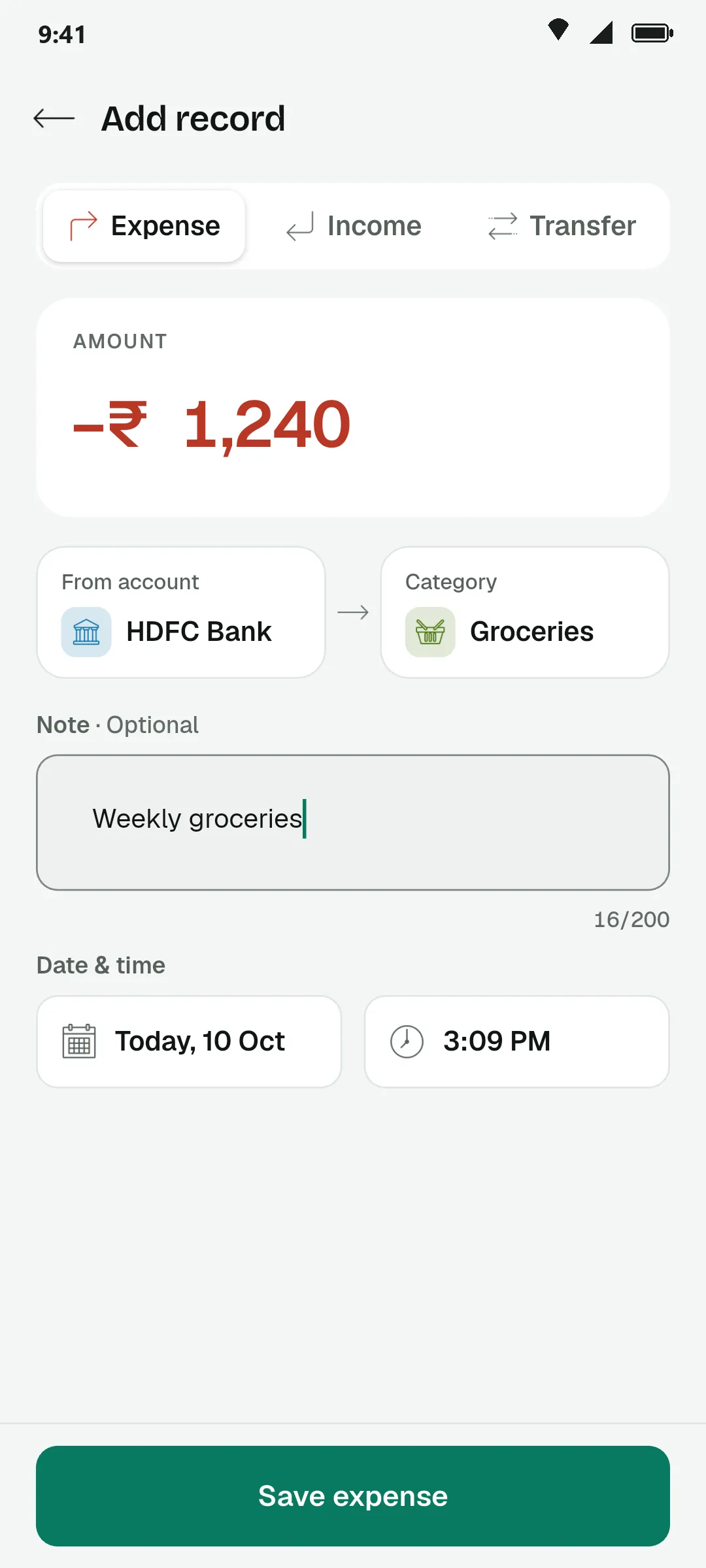
Log in seconds
Amount first, then the account and category. Expense, income or transfer.
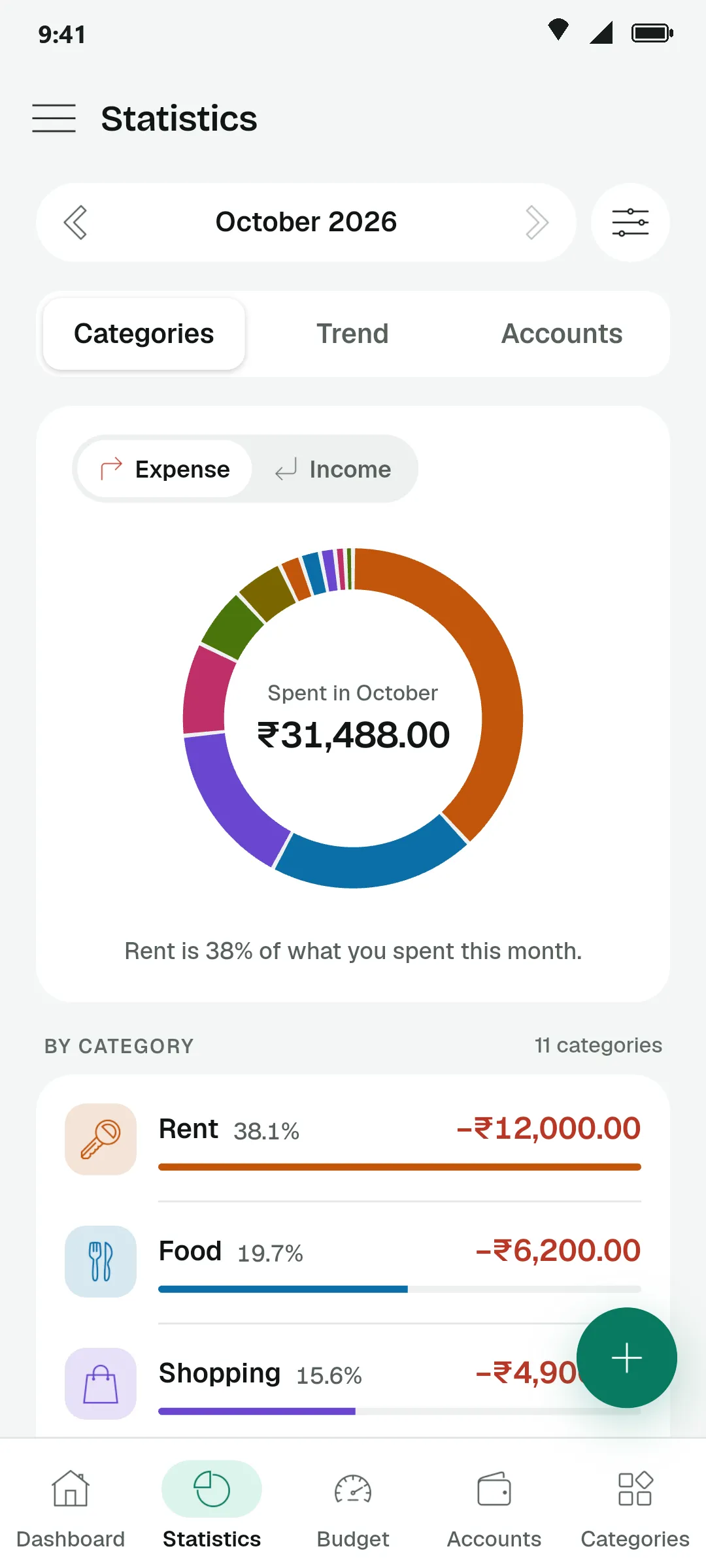
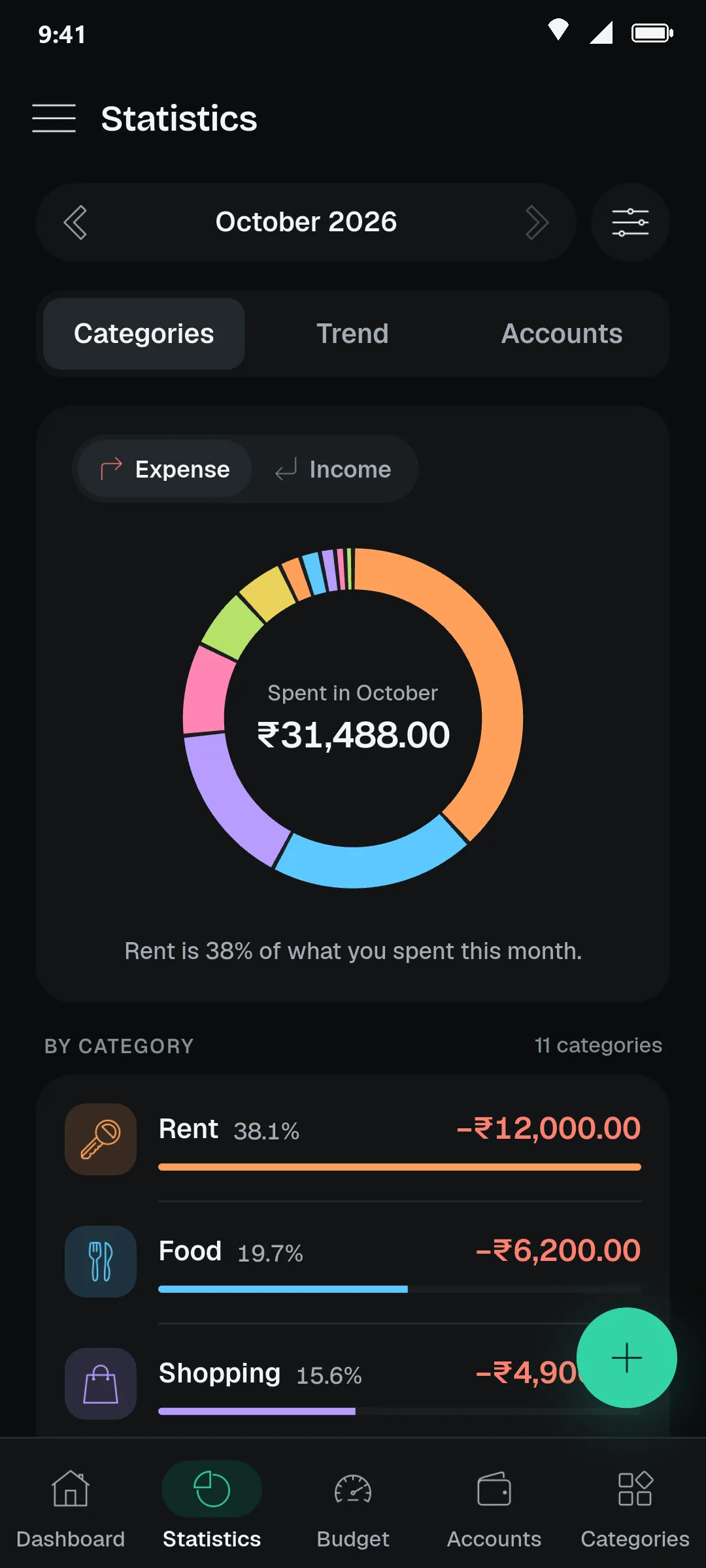
See where it went
Spending by category for any month, with each one’s share.
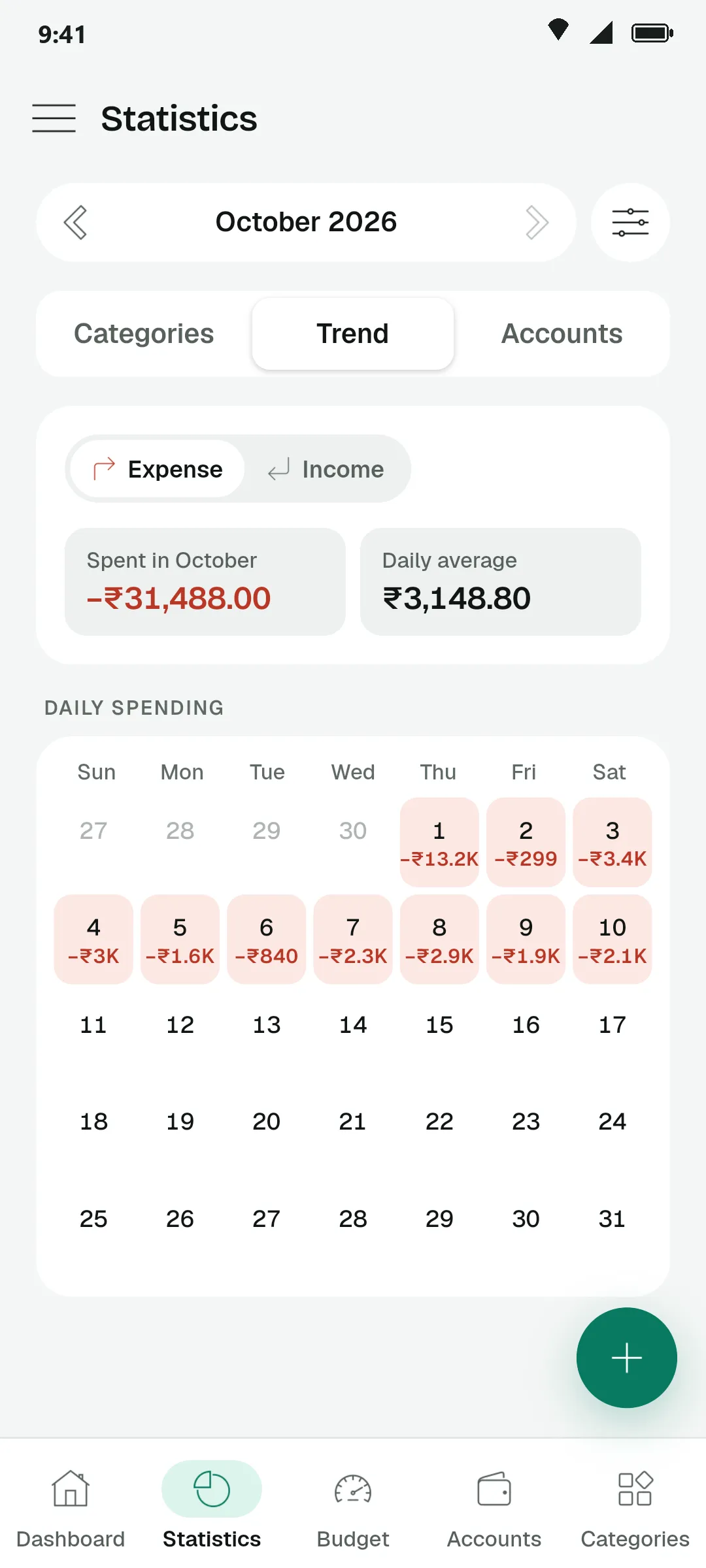
Spot the heavy days
Every day of the month with what you spent on it.
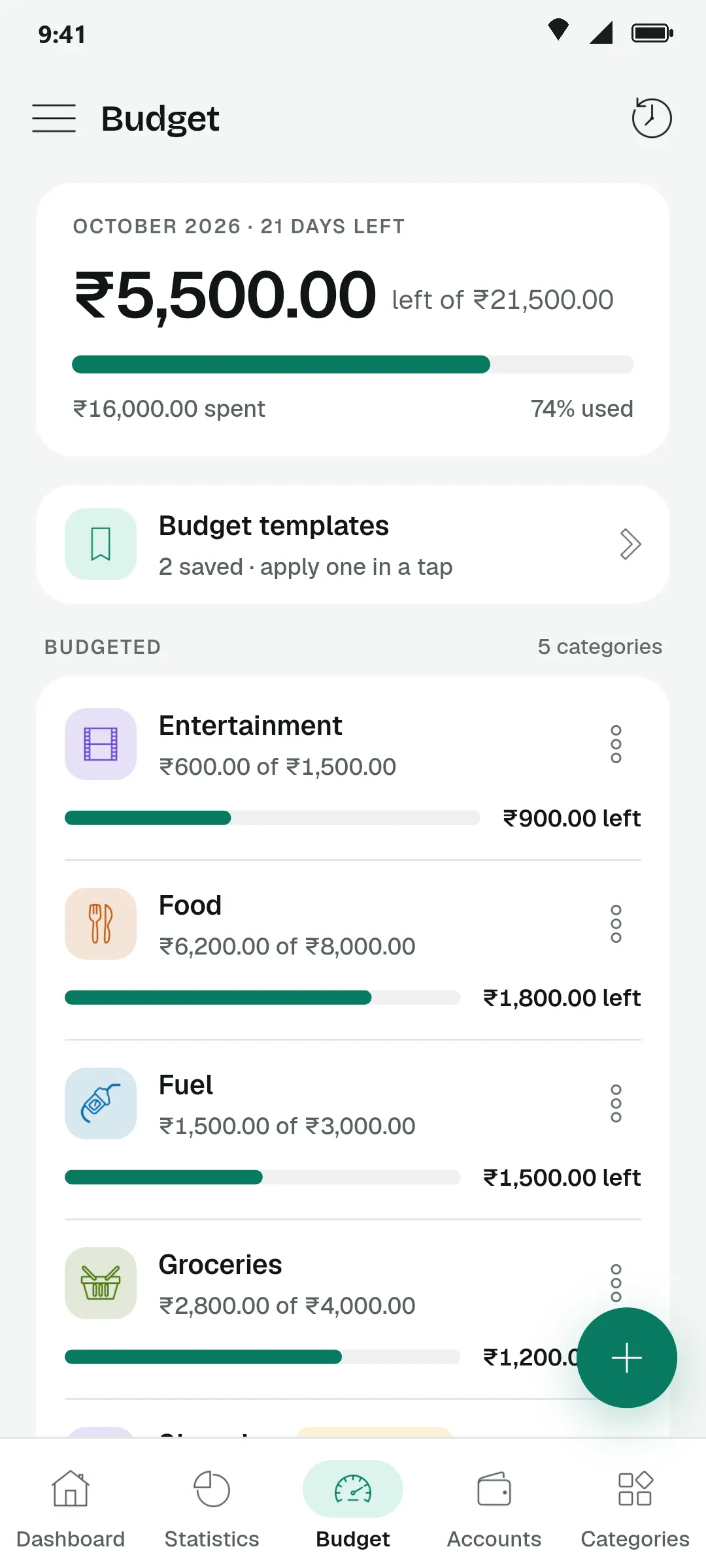
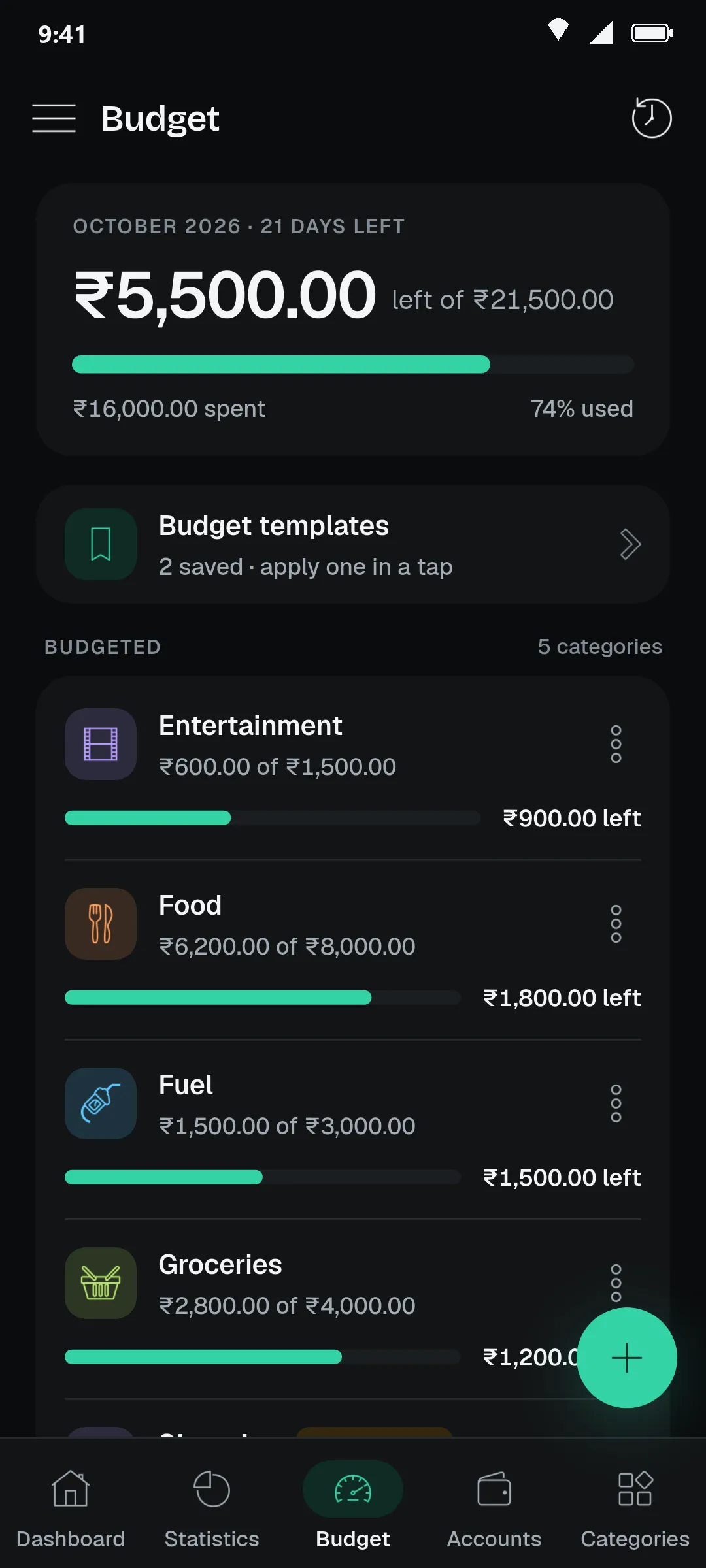
Budgets that warn early
A limit per category and what is left of it.
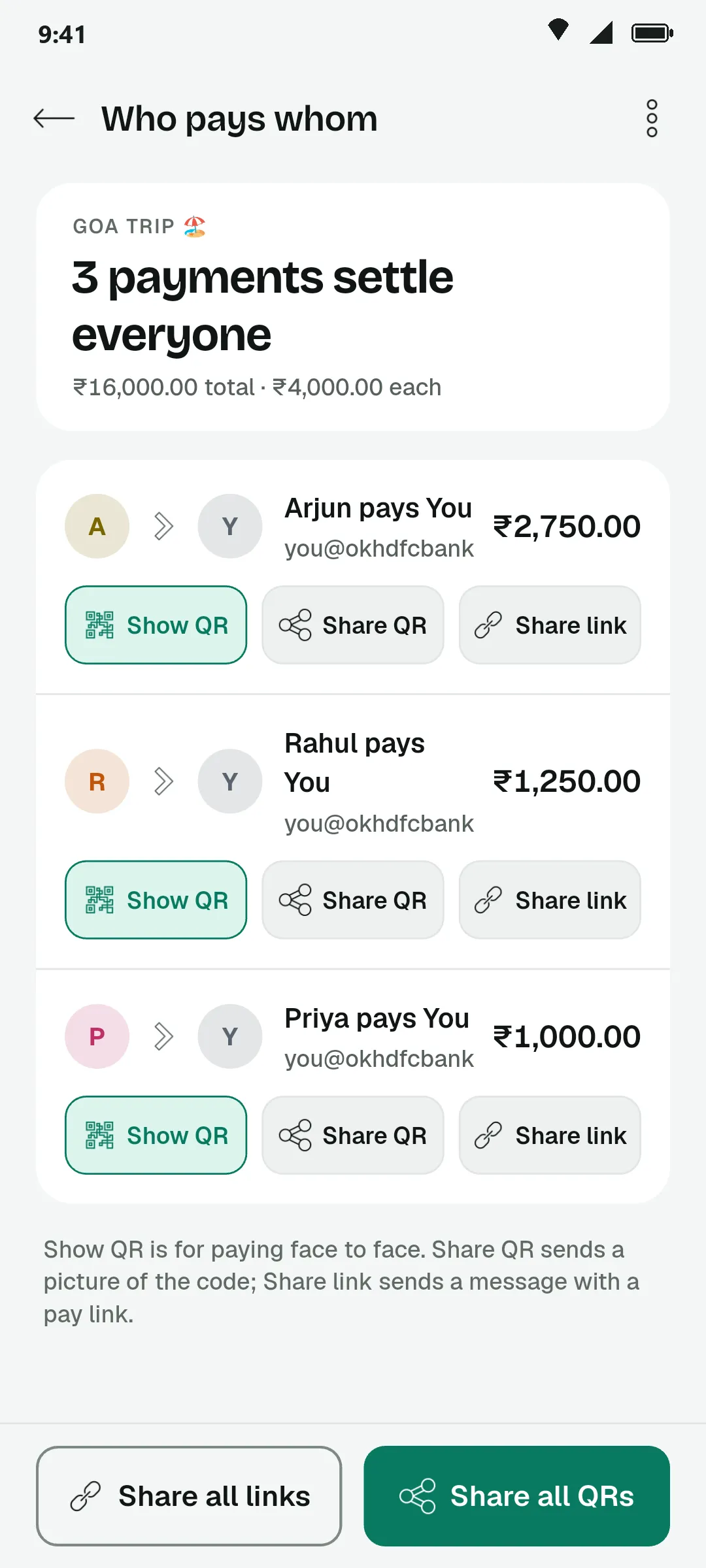
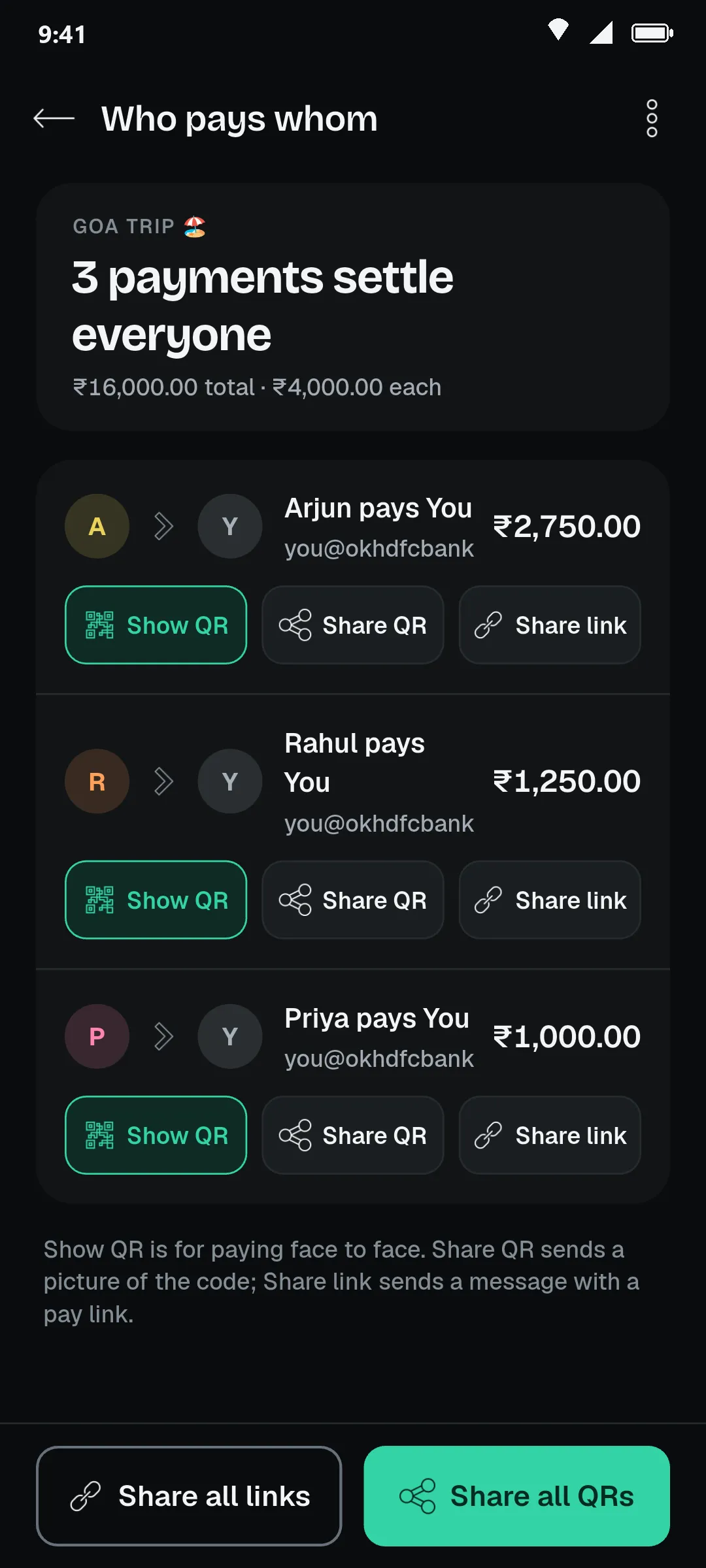
Settle a trip
The fewest payments that clear the whole group.
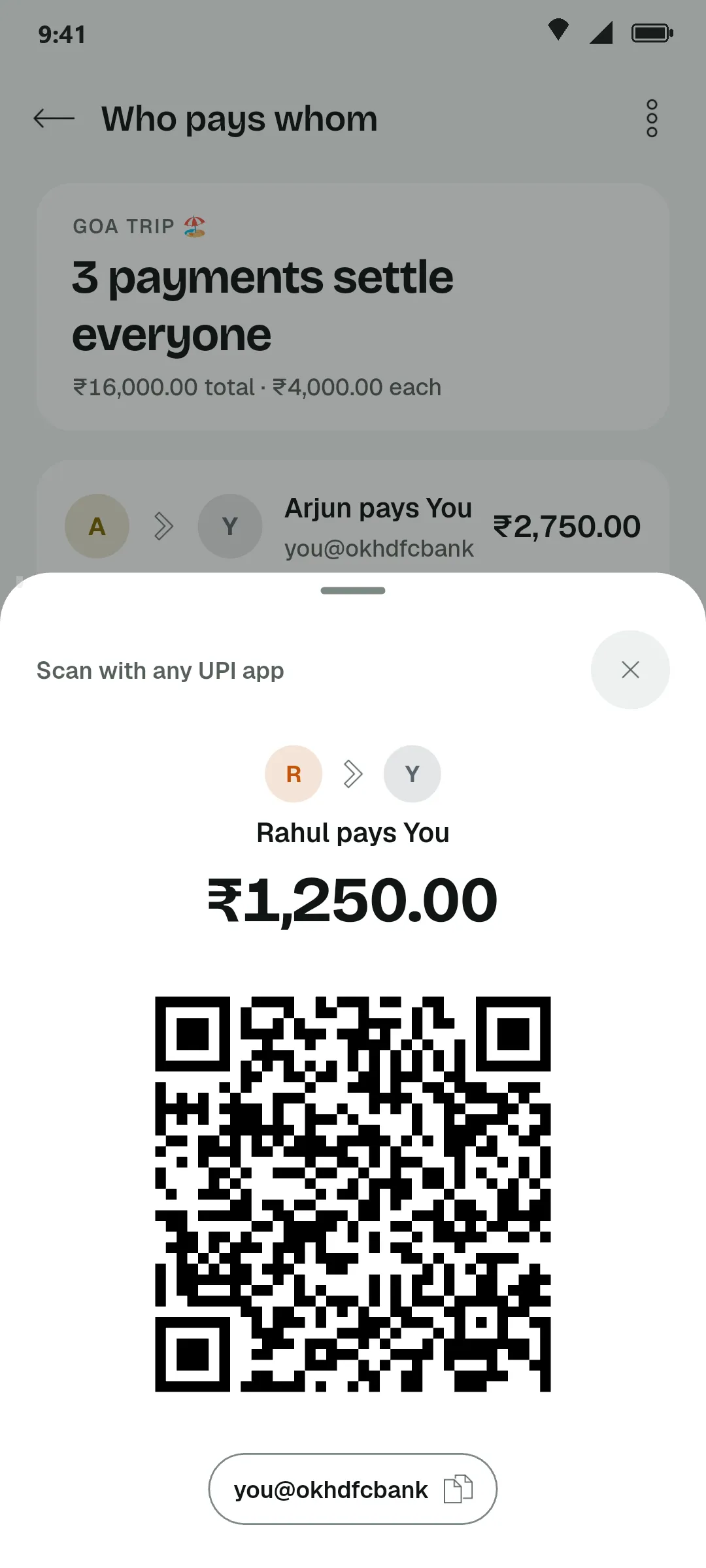
Pay with a scan
A UPI QR with the amount already filled in.
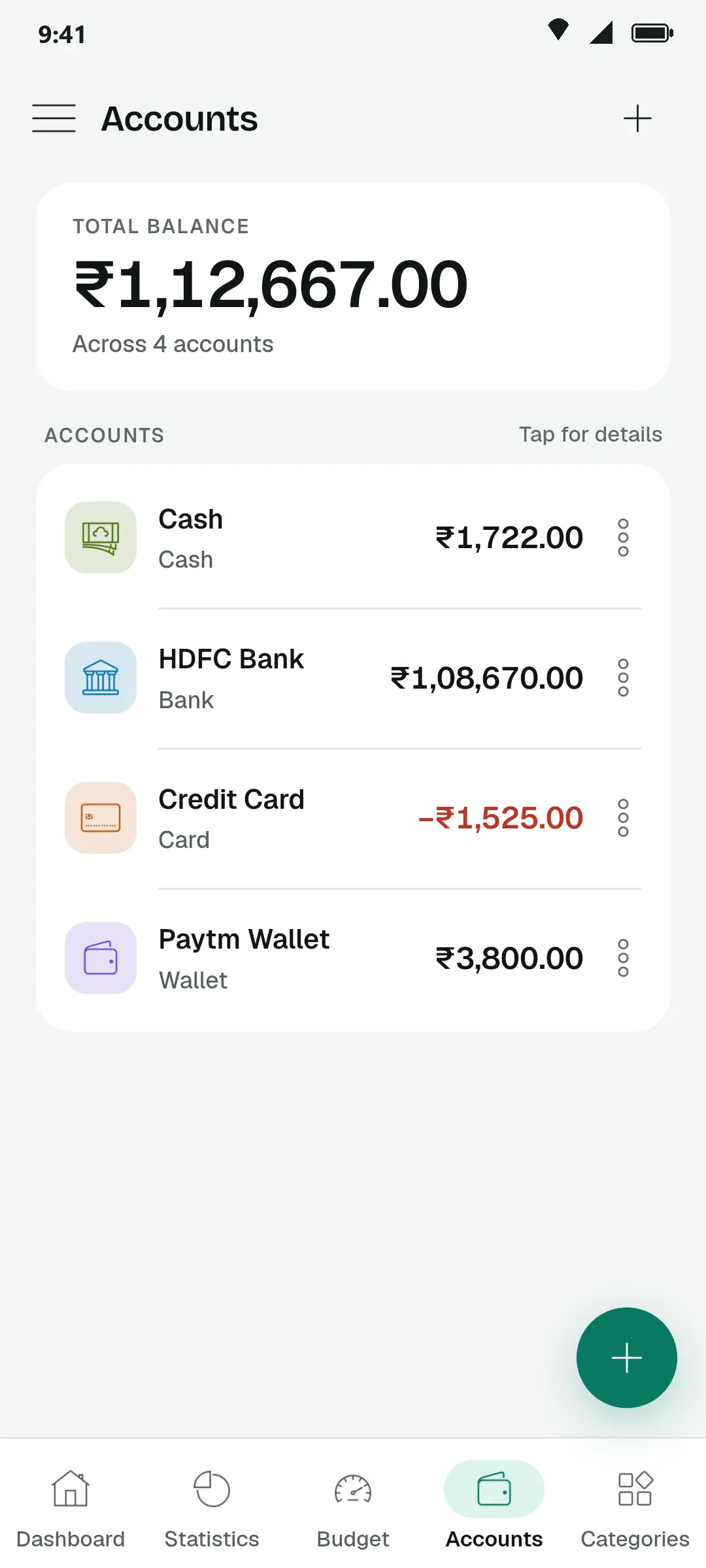
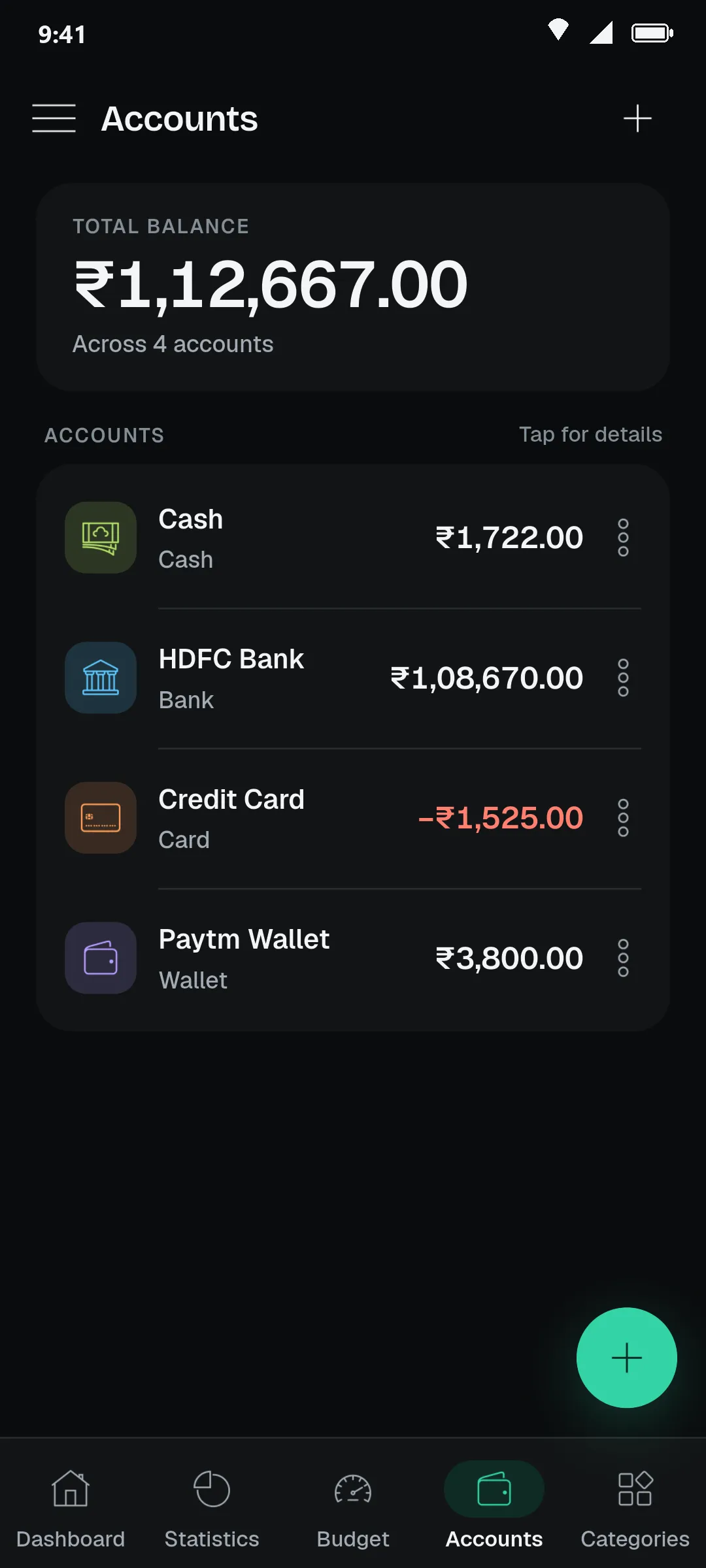
Every account
Cash, banks, cards and wallets, each with its own balance.
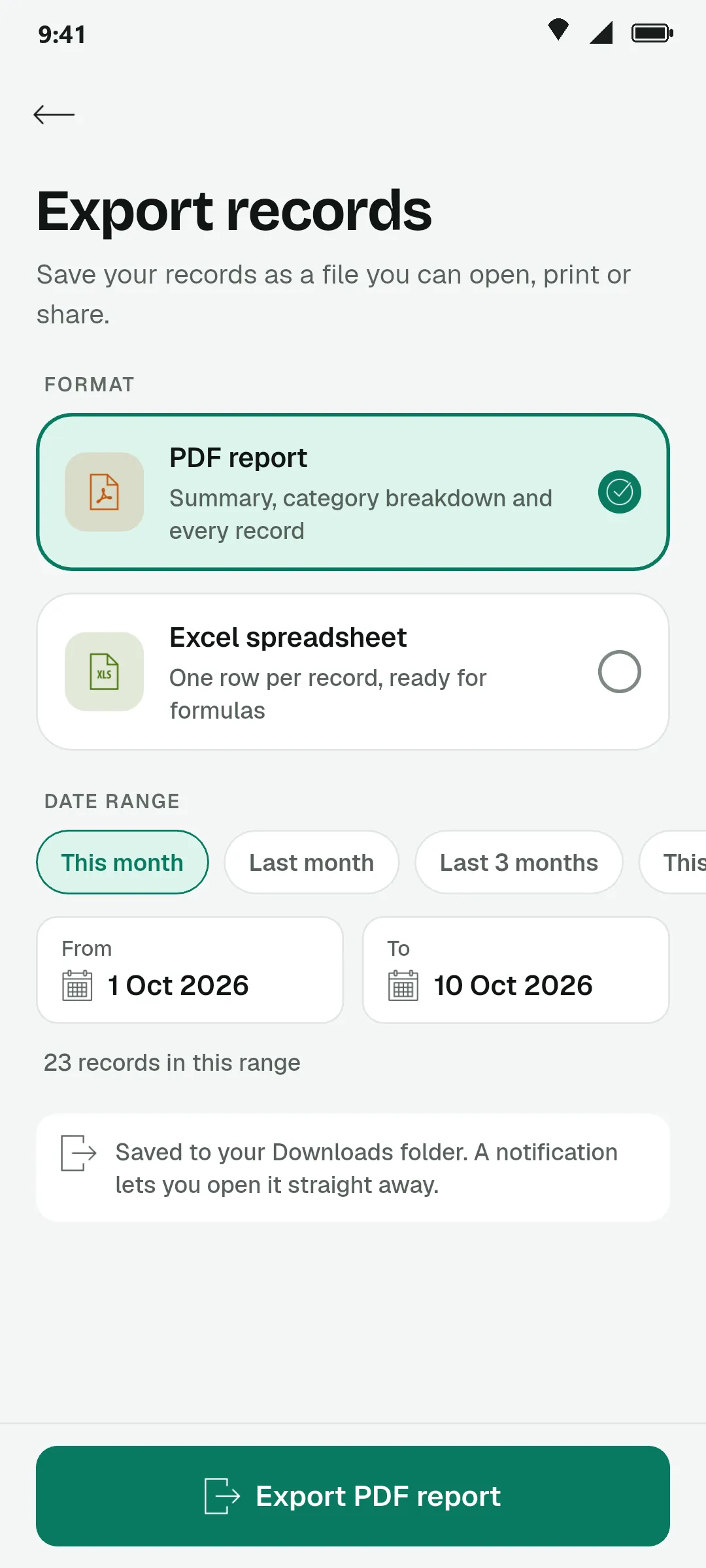
Take it with you
A PDF report or an Excel sheet for any period.
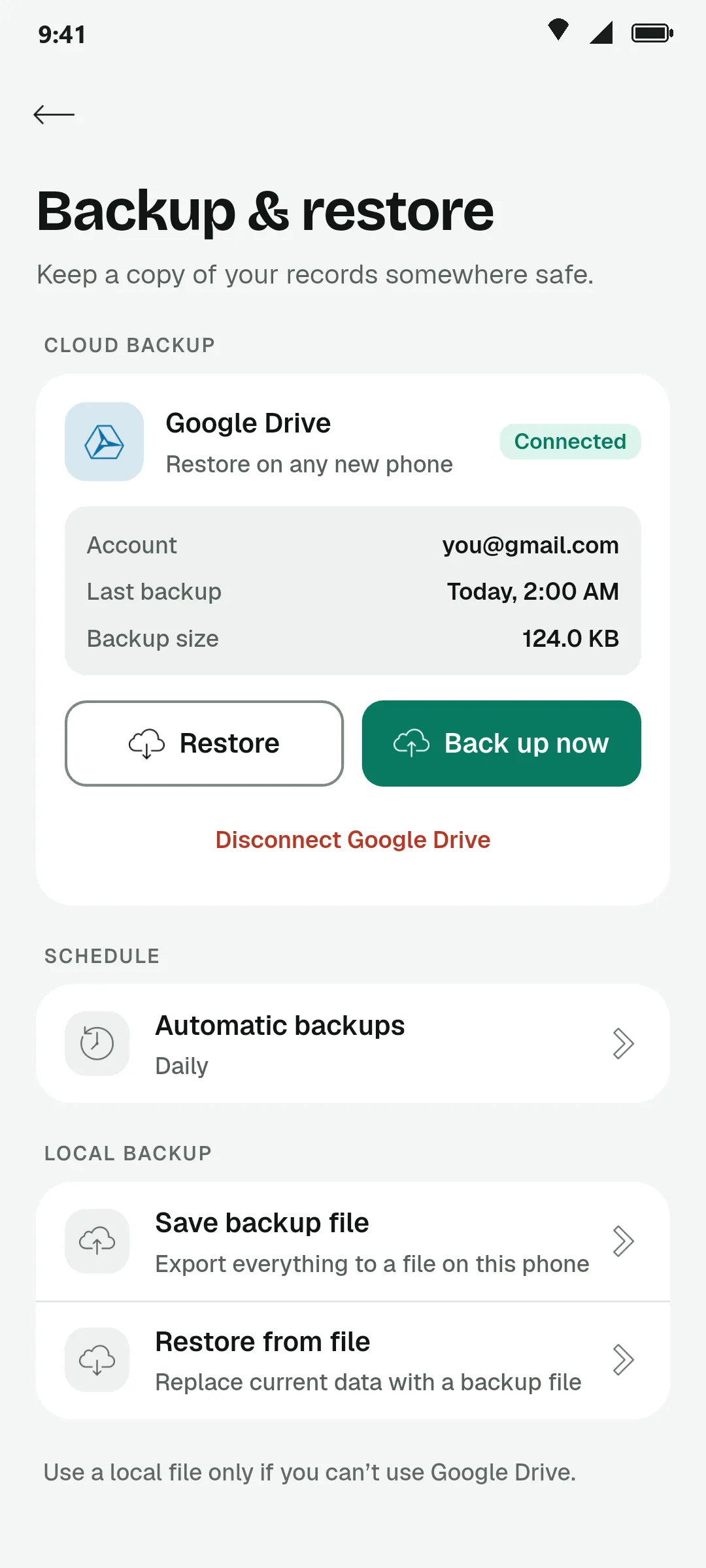
Back up to your Drive
Your own Google Drive, by hand or on a schedule.
The small things that keep it yours.
Your data stays on your phone
Records live in a database on your device, so the app opens instantly and works with no signal.
Backup to your own Google Drive
Back up by hand or automatically, and restore everything when you change phones.
Recurring income and expenses
Set rent, salary or a subscription to repeat. PennyLog shows what is due today on the dashboard.
Tag who it was for
Mark a record for Mom, your brother or a friend, then see what you spent on each person.
Every account in one place
Cash, bank accounts and wallets each keep their own balance. Move money between them as a transfer.
Export to PDF or Excel
Turn any period into a tidy PDF report, or a spreadsheet with one row per record.
Every rupee, logged.
Start with today’s chai. It takes a few seconds, and next month you will know exactly where the money went.