

Everything PennyLog does, nothing it doesn’t.
An expense tracker, budget planner and bill splitter in one app, quick to open and quick to close. Here is everything inside, grouped by what you are trying to do.
Log money in and out.
Built for the thirty seconds after you pay for something.
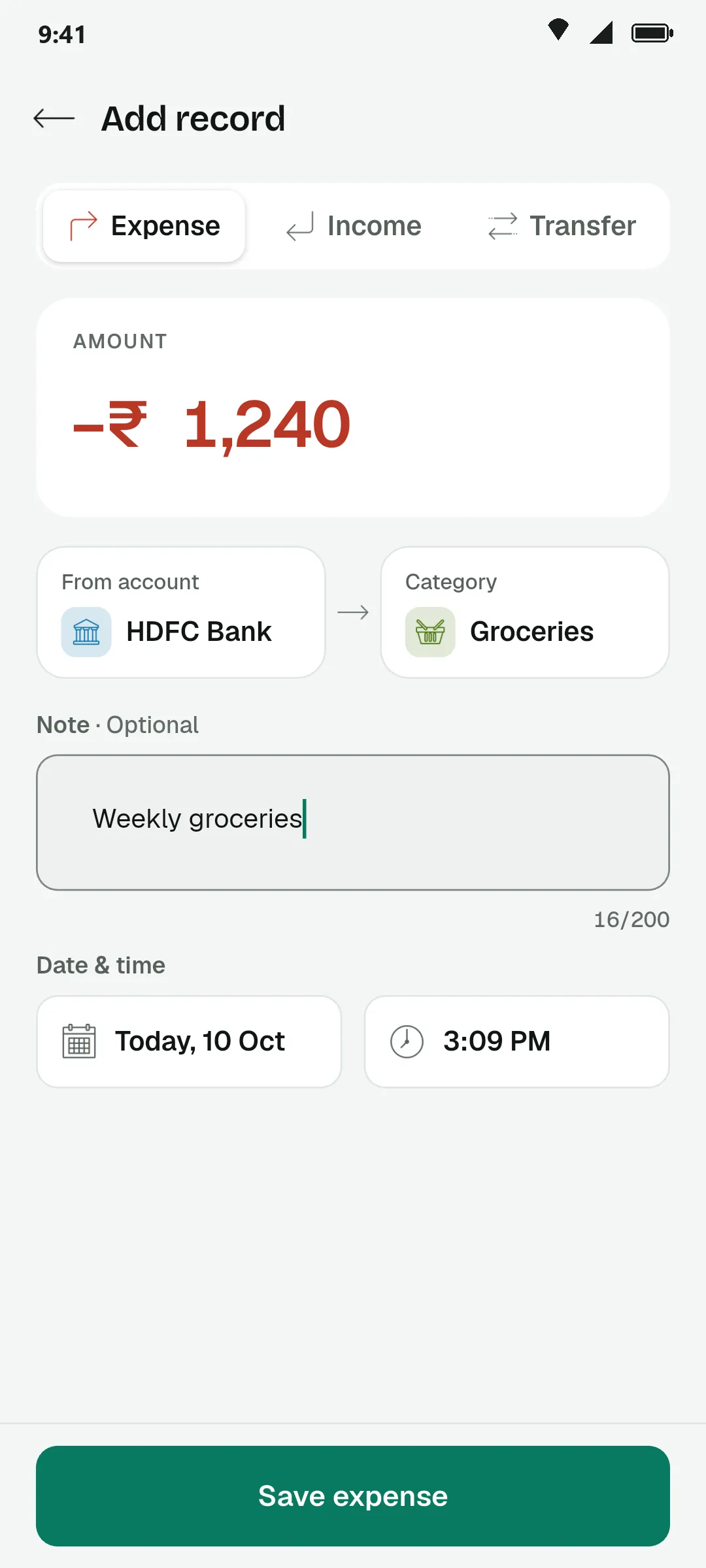
Expense, income and transfer
Three record types with clear signs and colours, so +₹ and −₹ are never confused.
Accounts
Cash, banks and wallets each hold their own balance. Add as many as you use.
Your own categories
Start with the built-in set, then add, rename and recolour categories for income and expense.
Recurring records
Rent, salary and subscriptions repeat on the schedule you set. What is due today shows on the dashboard.
People tags
Mark who a record was for — Mom, your brother, a friend — and filter by person later.
Daily reminder
One gentle nudge at the time you choose, so the day’s spends do not slip away.
See where it went.
The amount is always the biggest thing on the screen.
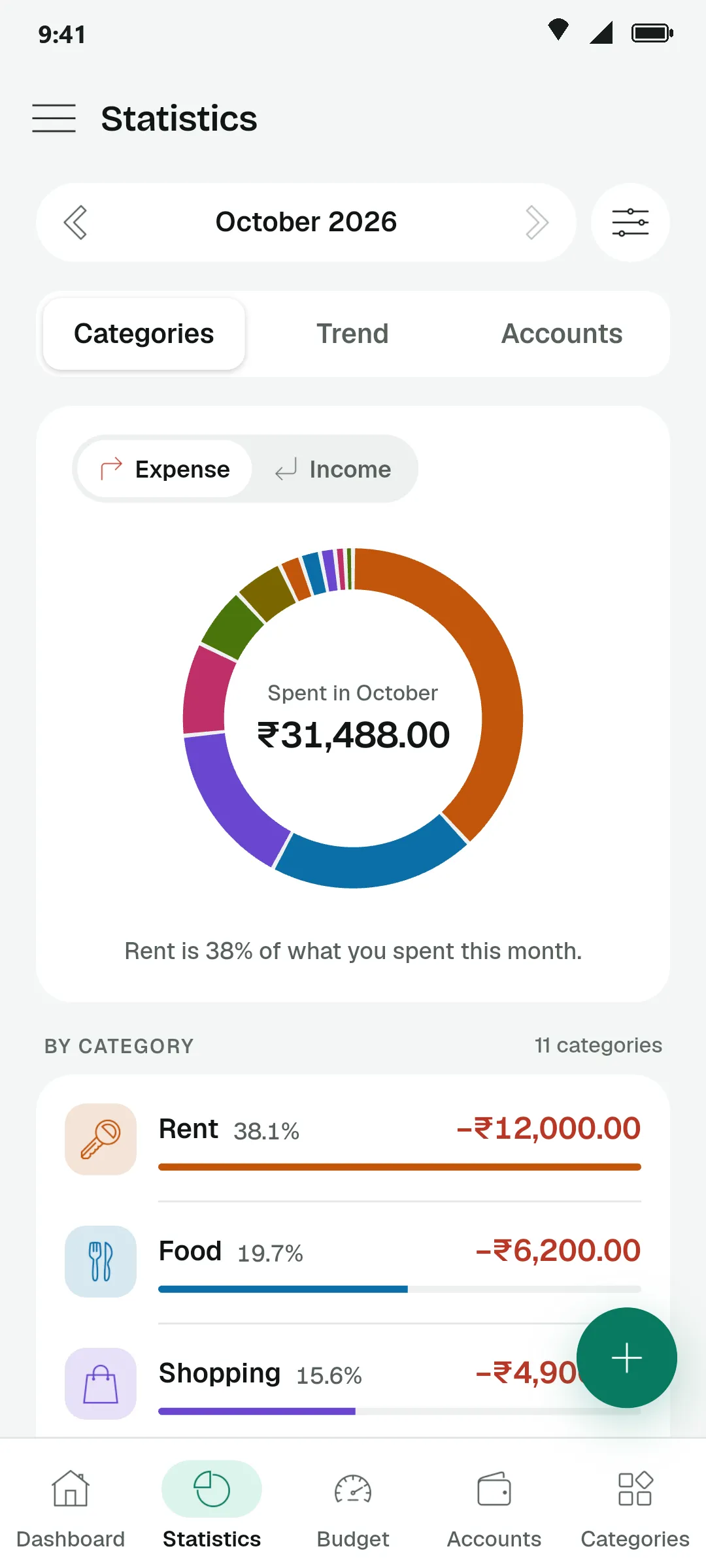
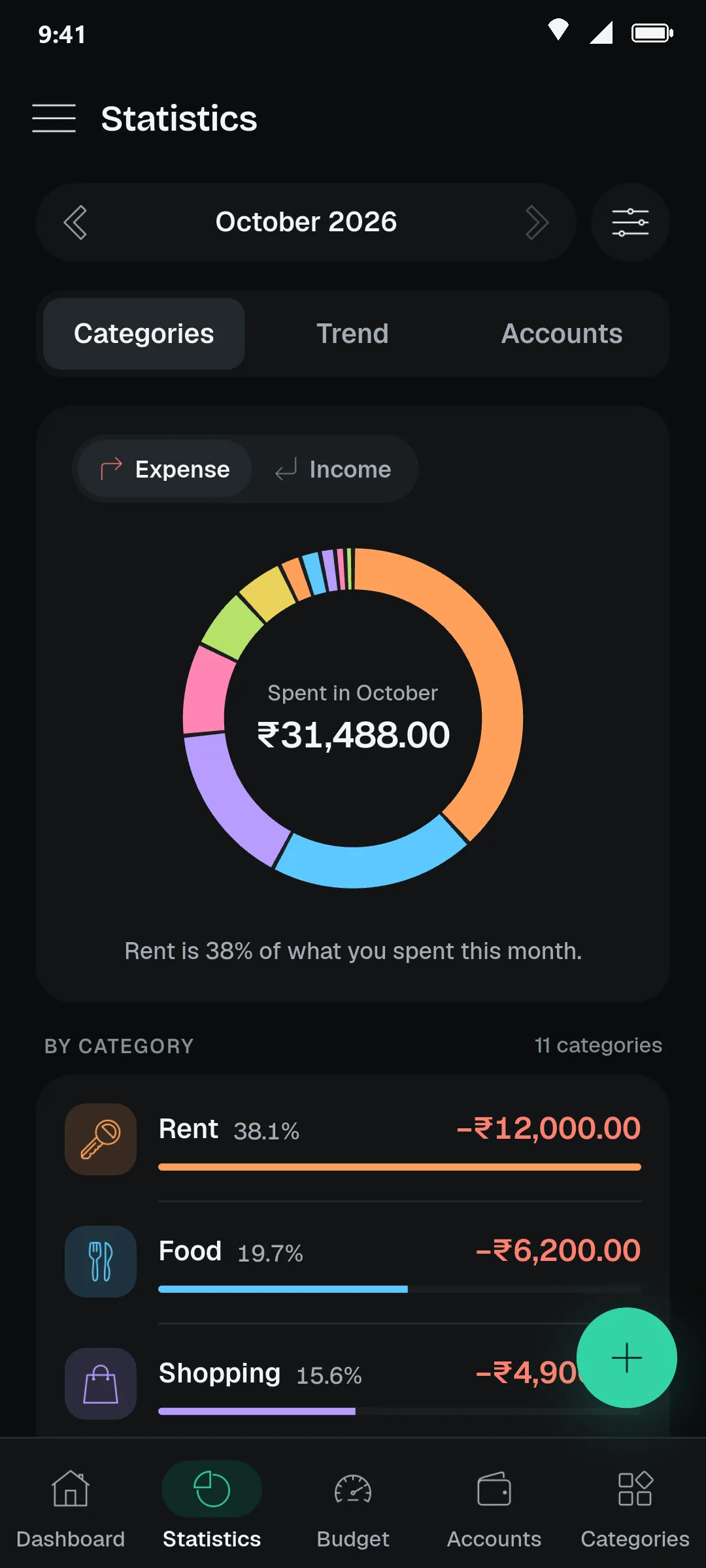
Monthly dashboard
Balance, income and expense for the month, with every record grouped by day underneath.
Hide your balance
One tap masks the balance, income and expense totals when someone is looking over your shoulder.
Spending by category
See which categories take the biggest share, for expense or income.
Daily spending calendar
A month laid out day by day, with the heavy days standing out and a daily average on top.
Longer periods
Switch the trend to three months, six months or a full year to see the bigger pattern.
Stats per account
Check how much moved through each account without scrolling the whole list.
Set limits that hold.
A budget only helps if it warns you before the money is gone.
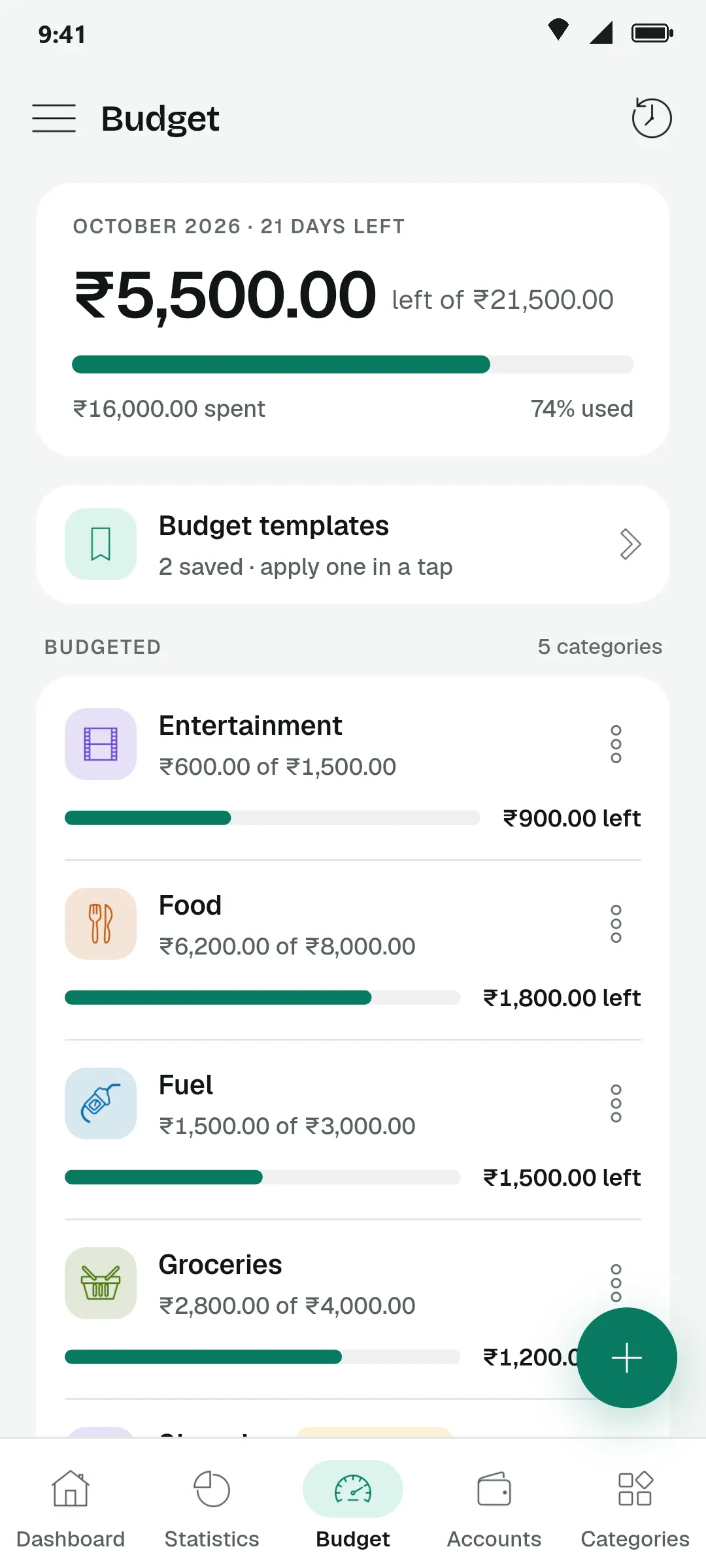
Budgets per category
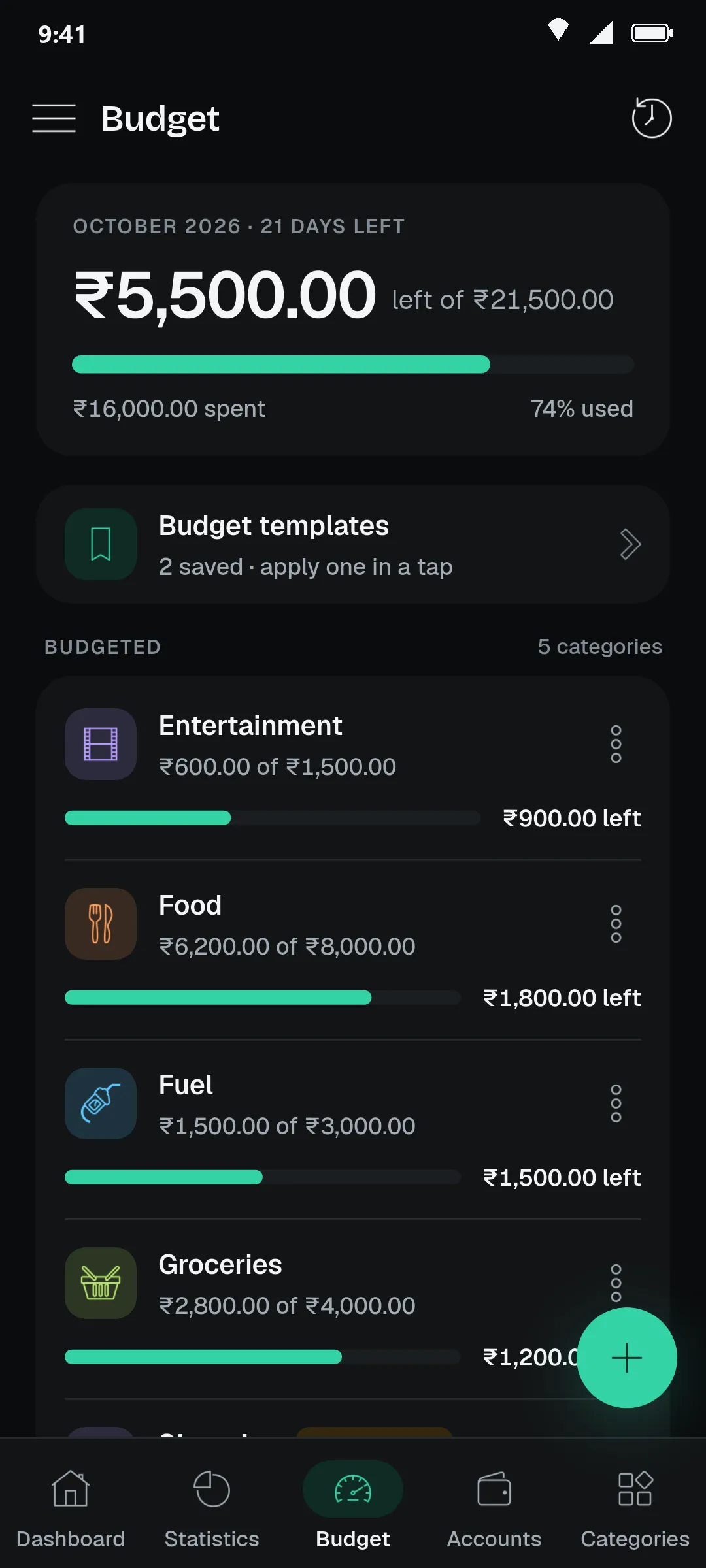
Set a monthly limit for the categories that matter and watch what is left.
Warnings in plain words
“Almost used”, “Limit reached”, “Over budget” — the status is written out, not just coloured.
Budget templates
Save a month’s limits as a template and apply it to the next month in one tap.
Past budgets
Look back at earlier months to see whether you stayed inside the plan.
Split with friends.
For trips, dinners and flat expenses. Everyone sees the same numbers.
Groups and people
Create a group, add people once, and reuse them in the next group.
Who pays whom
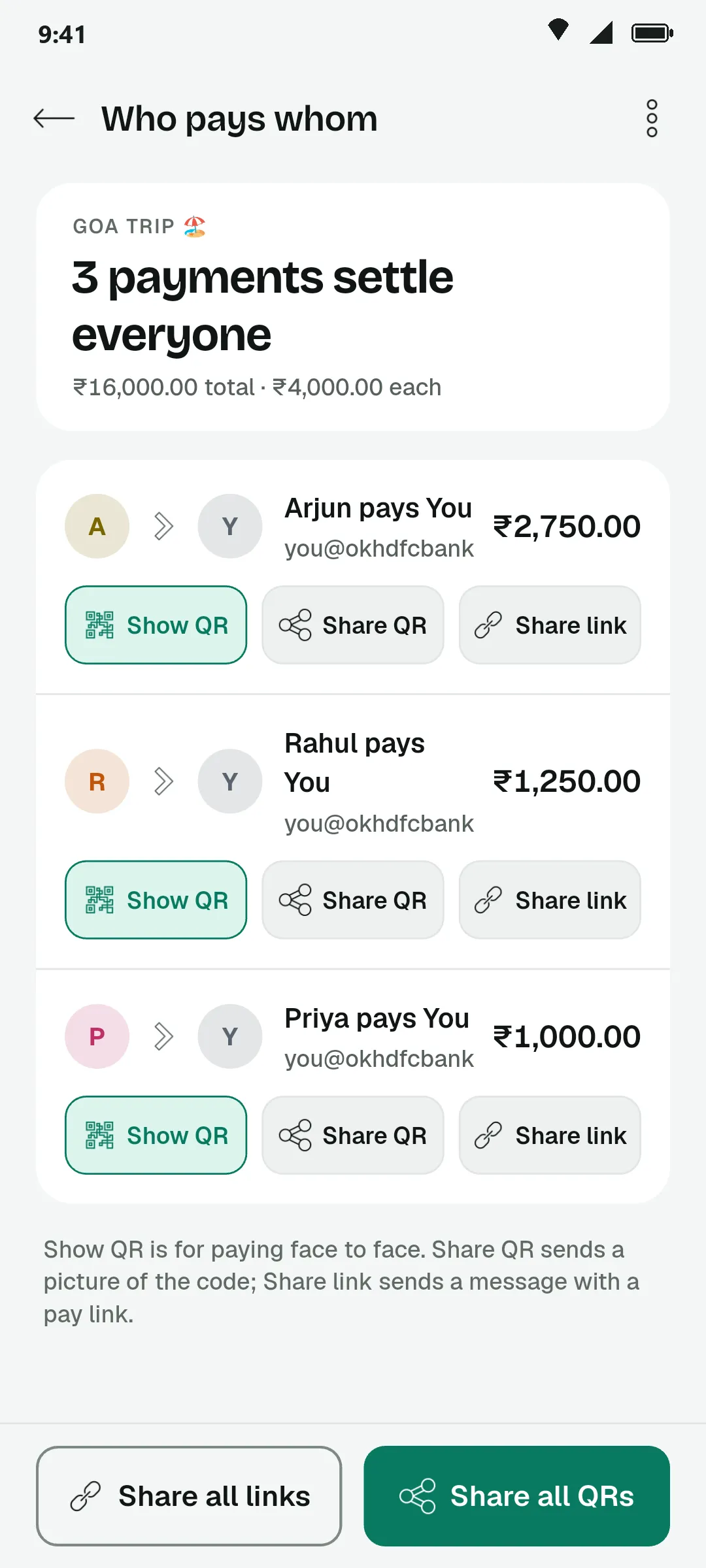
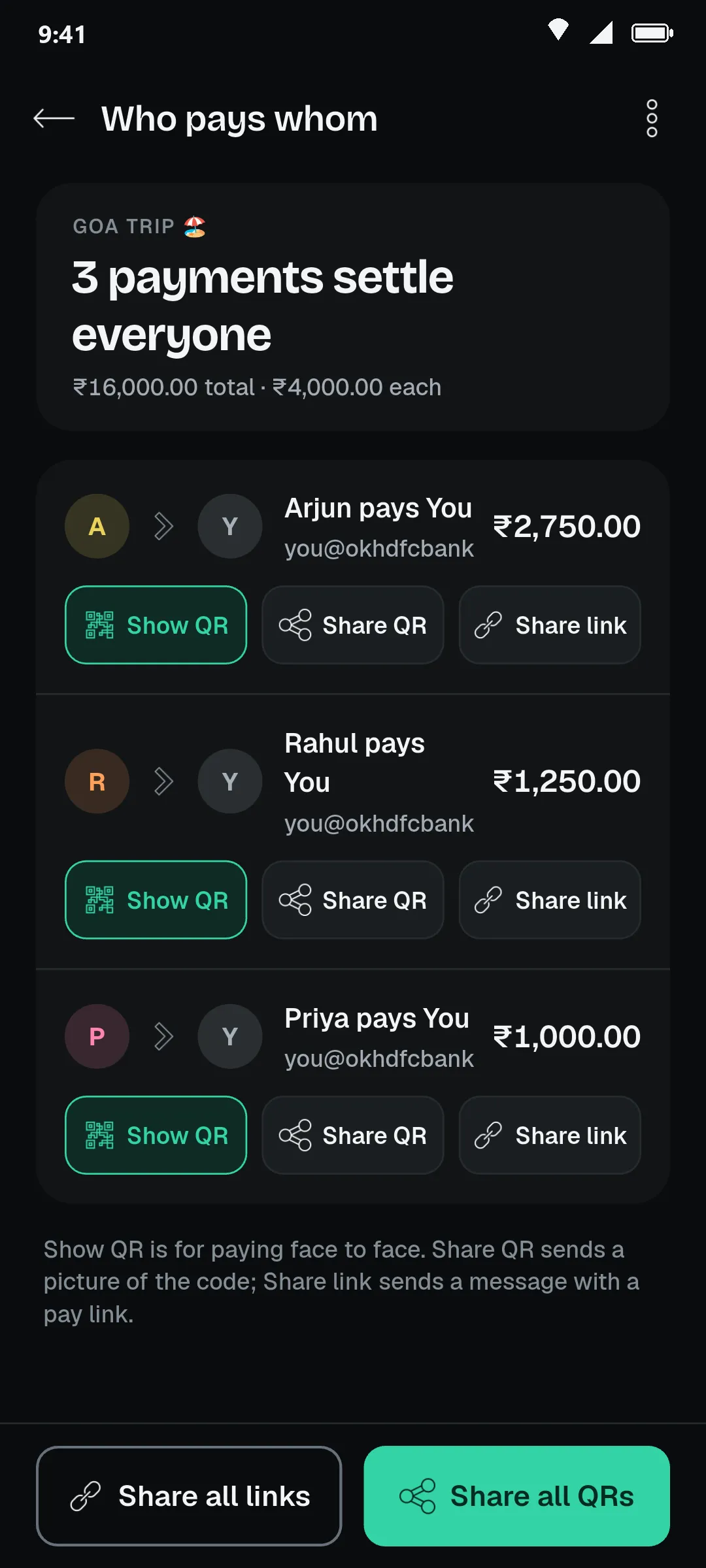
PennyLog works out the fewest payments that settle the whole group.
Sub-groups
When only some of the group shared a cost, split it among just those people.
Shareable summary
Send one clean image of the split to the group chat. Friends do not need the app to read it.
UPI QR for each paymentApp only
Show or share a QR with the amount filled in. The payment itself happens in your friend’s UPI app.
Mark a group settled
Close a group when everyone has paid, and reopen it if something was missed.
Your data, your phone.
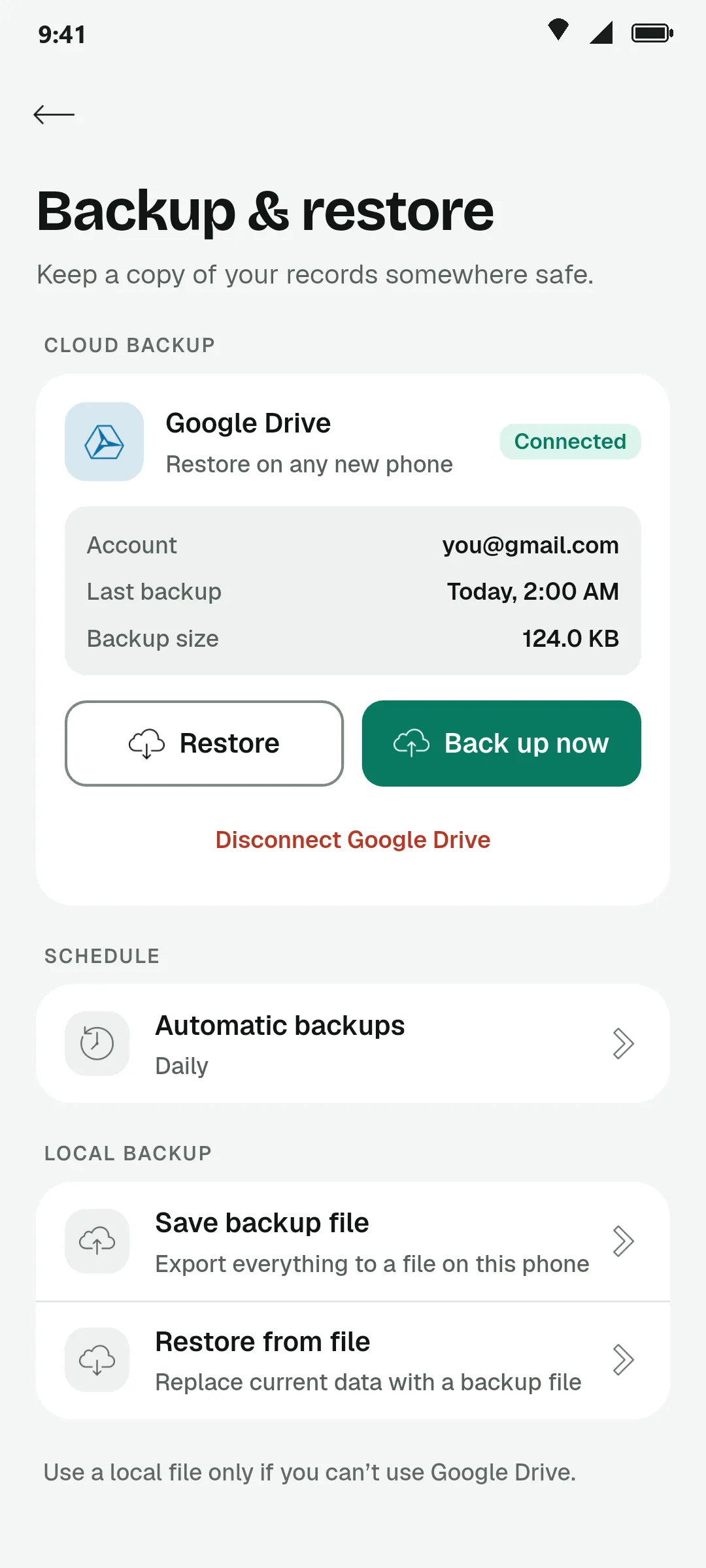
PennyLog works offline first. A backup goes to your own Google Drive only if you turn it on.
Offline first
Records are saved on the device. No signal, no problem.
Google Drive backup and restore
Back up now or on a schedule, and bring everything back on a new phone.
PDF and Excel export
Export any period as a PDF report you can save or send, or as an Excel sheet for your own formulas.
Dark and light themes
Dark by default and easy on the eyes at night, with a light theme that mirrors it.
Your currency
Pick your currency when you start and change it later in preferences.
Delete and reset
Wipe your records whenever you like. The app tells you exactly what will go before it does.
Every rupee, logged.
All of this is in the app today. Install it and log your first spend in under a minute.